

Your Bizstim account now includes a website and a blog. Both are built from the information already in your account, so there is nothing to copy over and no second system to keep up to date.
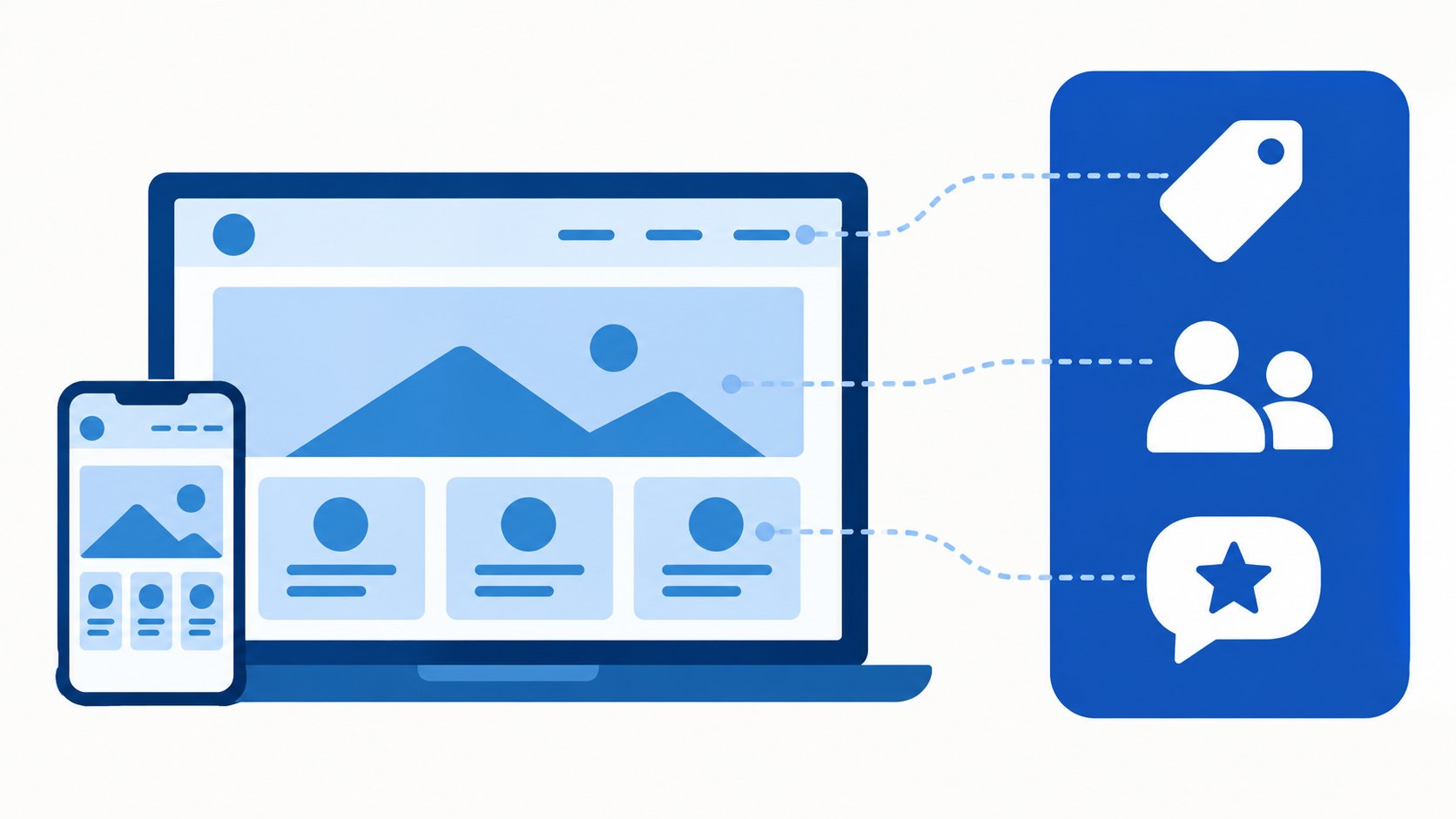
Built From What Is Already In Bizstim
Your company details, logo, brand colour, services and prices, team, testimonials and locations come straight from your account, in the same words your account uses. Change them in Bizstim, press Update website, and every page shows the change. The contact form on your website can file each inquiry as a new lead.
Where To Find It
Open Settings in the left menu and choose Website. Pick your web address, a starting point and one of three styles, then arrange the sections on each page. The Blog posts button at the top of that page is where you write posts. Anyone on your team with the Website Blog permission can write posts too, from Website Blog under Settings.
Which Plans Publish
Small Business and Enterprise publish your website at your own address, hosted and kept secure for you. On the Individual plan you can build the whole site and preview it for 14 days at a time, renewable. A free trial preview ends when the trial does.
For the full walkthrough, read New in Bizstim: A Website and Blog Built From Your Account.
If you have any questions, please contact support at mail@bizstim.com.
Sincerely,
The Bizstim Team
