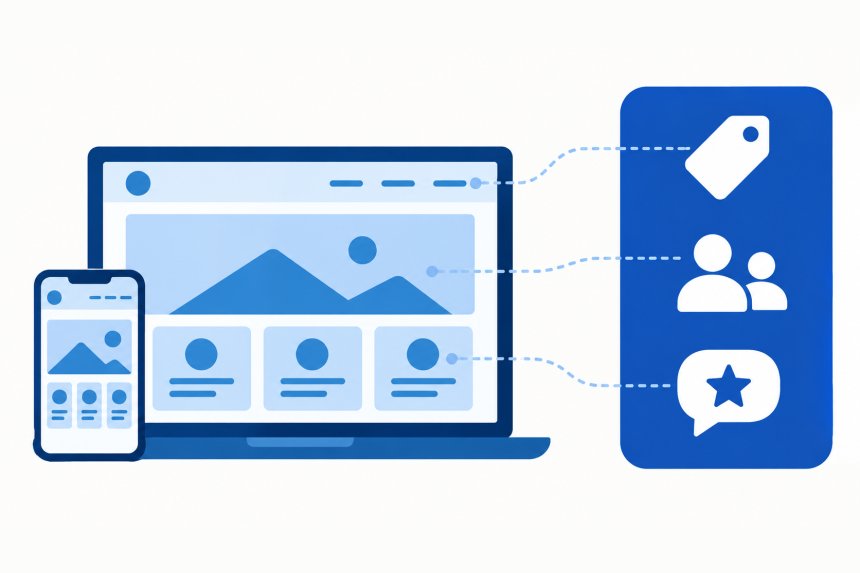
Your Bizstim account now includes a website and a blog. It is built from the information already in your account, so there is nothing to copy over and no second system to keep up to date.
You choose the address, pick a style and decide what goes on each page. Bizstim fills in the rest. Want to see a finished one first? Open our demo site.
What Your Website Takes From Bizstim
Your website reads these straight from your account:
- Your company name, logo and brand colour
- Your address, phone numbers and e-mail
- Your services and their prices
- Your team, including office staff if you want them shown
- Your testimonials
- Your locations
- Your own words: if you call your clients students, so does your website
Change any of these in Bizstim, press Update website, and every page shows the change. When you add something new, such as a team member, a service or a testimonial, tick it onto the site from the Website page. Your opening hours are the one thing you type on the Website page itself.
It works the other way too. The contact form can file each inquiry as a new lead in Bizstim and e-mails you every time, and your clients can log in to their Bizstim account from your site.

Getting Started
In your Bizstim account, open Settings in the left menu and choose Website. Three tabs do most of the work:
- Address: choose your web address. Your site lives at the name you pick, followed by mybizstim.com.
- Style: pick a starting point: Tutoring, Driving school, Therapy and counselling, or Blank. It switches on the right sections and fills in first-draft wording for your kind of business, and you can change all of it. Then choose one of three styles: Classic, Bold or Soft.
- Pages: drag sections onto each page and into the order you want. There are 18 to choose from, including a welcome banner, services, your team, testimonials, questions and answers, hours, a video and a contact form with a map.
The Footer and Legal tabs take care of your footer, privacy policy and terms.

Your Blog
Every website comes with a blog. Press the Blog posts button at the top of the Website page to write a post, and give it categories, tags and a featured image. The image also shows when someone shares the post. Put the Latest posts section on your home page and your three newest posts appear there as you publish them.
Office staff can write for you. In a staff member's permissions, set Website Blog to Write drafts, or to Write drafts and publish if they can post without your review.

Publishing and Plans
- Small Business and Enterprise: publish your website. We host it and keep it secure. Your own domain is $9.99 a month on Small Business and included on Enterprise.
- Individual: build the whole site and preview it at a temporary address you can open and share. A preview runs for 14 days and can be renewed. Publish it on your own domain with Individual + Website, $9.99 a month.
- Free trial: build and preview it too. The preview ends when the trial does.
See every feature on our Website Builder page and compare plans on our pricing page. If you would like a hand setting it up, use Contact Support in your Bizstim account.



Do you have your own website already? Would you use the website builder as a secondary SEO product to generated leads?