

The latest update has a number of new features and a minor fix. The following is a list of changes:
- e-mailed invoices are now being tracked for delivery. From the unpaid invoices list you can see if your client has viewed the invoice from their inbox
- e-mailed payment receipts are now being tracked for delivery. From the payments list you can see if your client has viewed the payment receipt from their inbox
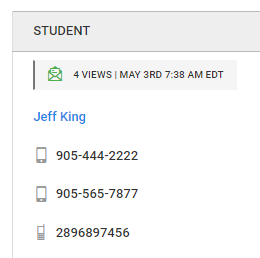
- e-mailed session reminders are now being tracked for delivery. From the session list view page you can see if your client(s) have viewed the session reminder from their inbox. You will also be shown the number of times the e-mail was viewed and the last day and time the e-mail was viewed
- added a text area custom field for clients. This custom field can be found within the CUSTOM tab for the add, edit and view client pages. You may also show this custom field within the online booking tool and inquiry forms
- when a username is removed from any user account (client, practitioner, staff, agent) the software will also remove the saved password on the account. This was not previously done. The user could not log in without a username anyway but this change resets the password present indicator which otherwise would have been impossible
- removed country, state and city from the account creation process in the online booking tool and the three inquiry forms. The software is now using geo-location technology to provide this information. This reduces the number of form fields required to be filled out and ensures the location information is as accurate as possible
- added an information text area for sessions. Now there are public notes, private notes and information notes. This new note section was added for those accounts that sell courses or open group sessions and need a dedicated area to describe the course or service. Moreover, since we now offer a real-time chat between participants, the public note is used to store a record of the communication. If you offer open group sessions or courses and previously used the public note to describe the course, you will need to cut and paste that public note to the new information note area
- fixed broken links from the practitioner and staff contact list view pages


If you have any questions, please contact support at mail@bizstim.com.
Sincerely,
The Bizstim Team
